Saved on this device
Works with the internet off. A space kept on this device is the whole app with nothing to wait for. It opens on a plane, in a basement, or on the school wifi.
Files, notes, recordings, links and assistants as icons and windows on one board. It runs in a browser tab, works with the internet off, and needs no account to start.
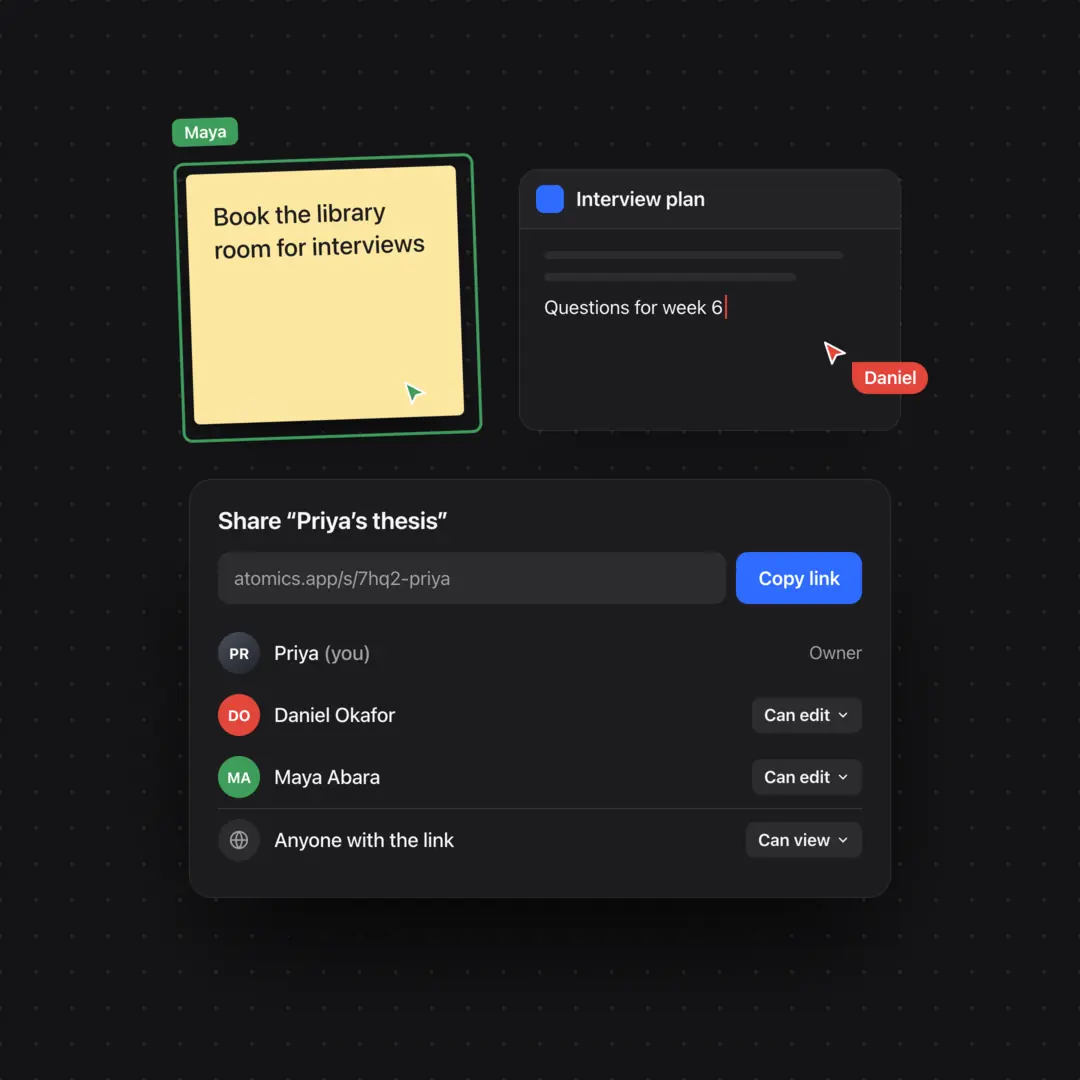
Questions for week 6
Nothing in this space matches.
↑ ↓ to move · Enter to open · Esc to close
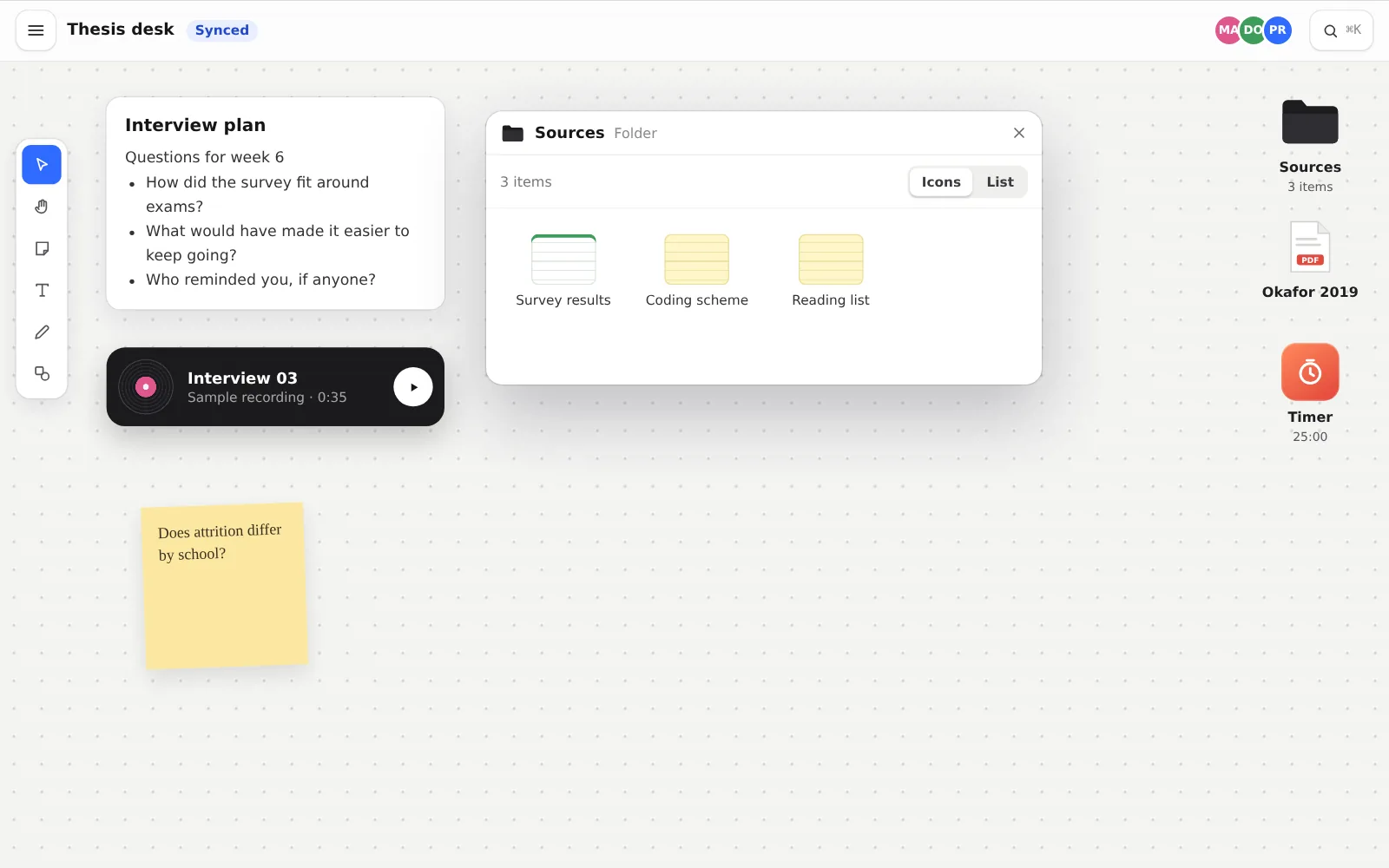
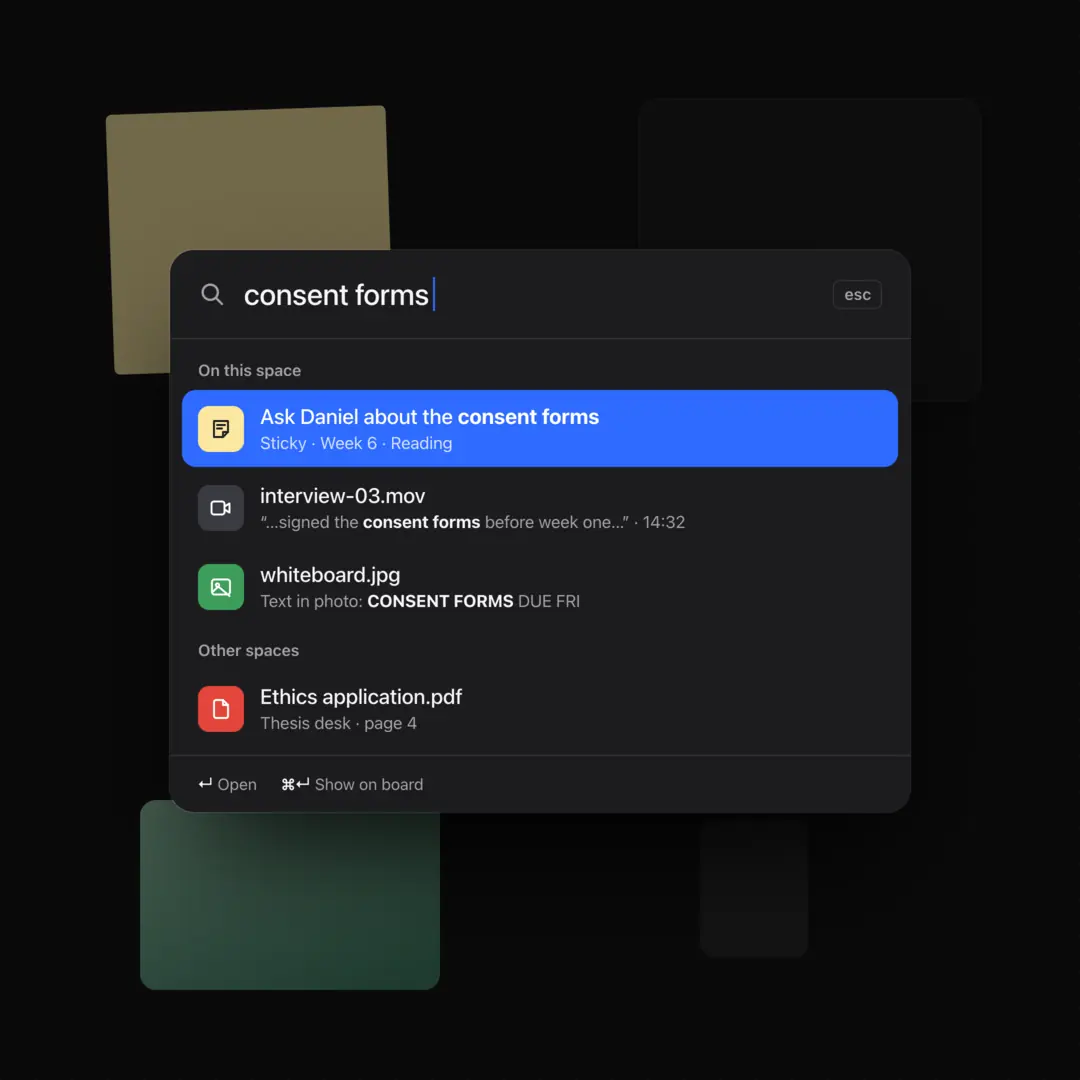
Search a space by what things mean, not only by the words in them.
Works with the internet off. A space kept on this device is the whole app with nothing to wait for. It opens on a plane, in a basement, or on the school wifi.
Installs like an app. Because it is one. Add it to your dock or home screen. It opens in its own window, with every tool, and keeps working offline.
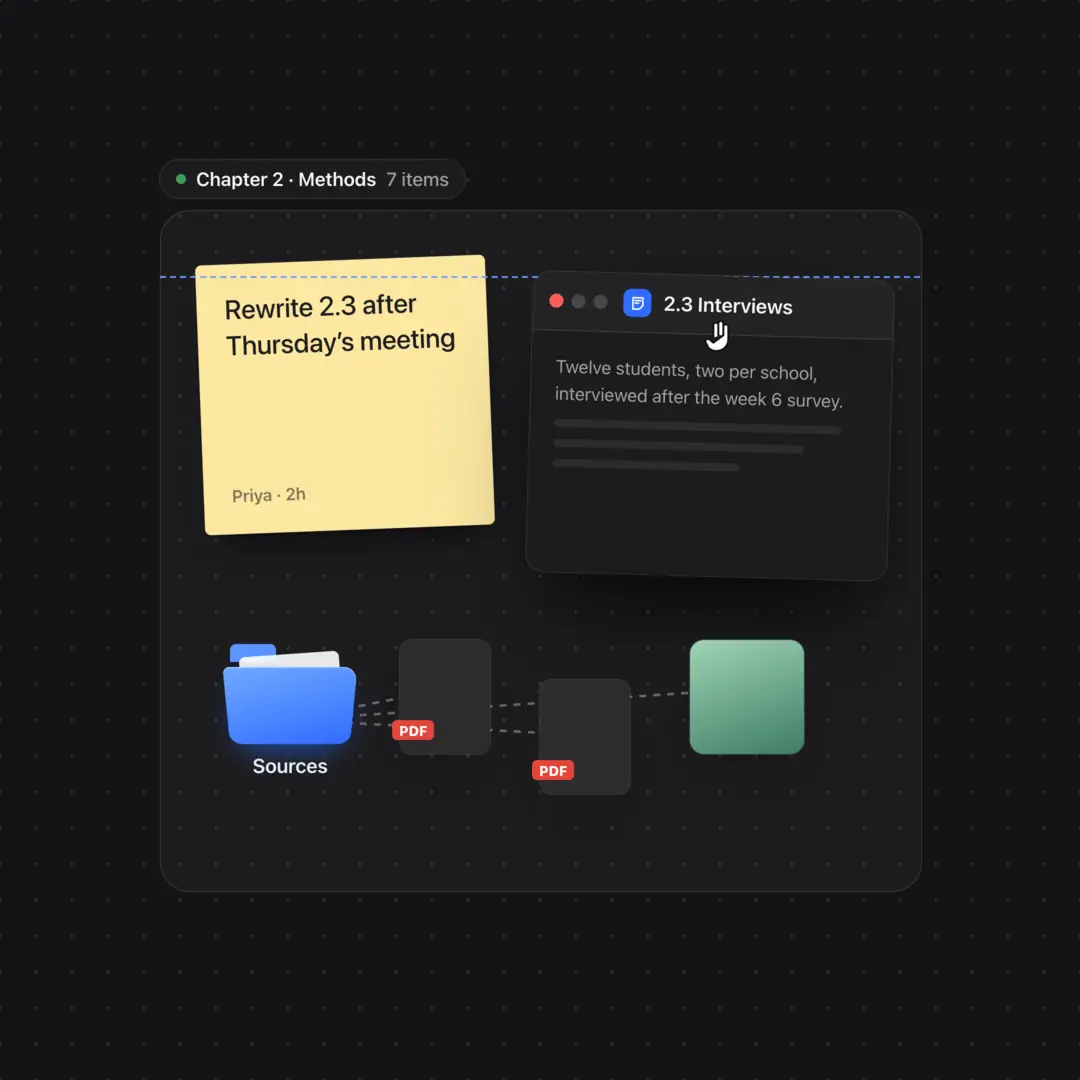
Folders that open like folders. Open one in a window, or spread what is in it across the board and gather it back up.
Find what you meant, not what you typed. Each space searches what is on it by meaning, so the note about water and flour answers a question about hydration.
Two people, one board. Sync a space and work in it together, live, with everyone’s cursor on the board.
How it works
Gather and organize any material you like, just how you like. Modify, present, and share it, all in one app.
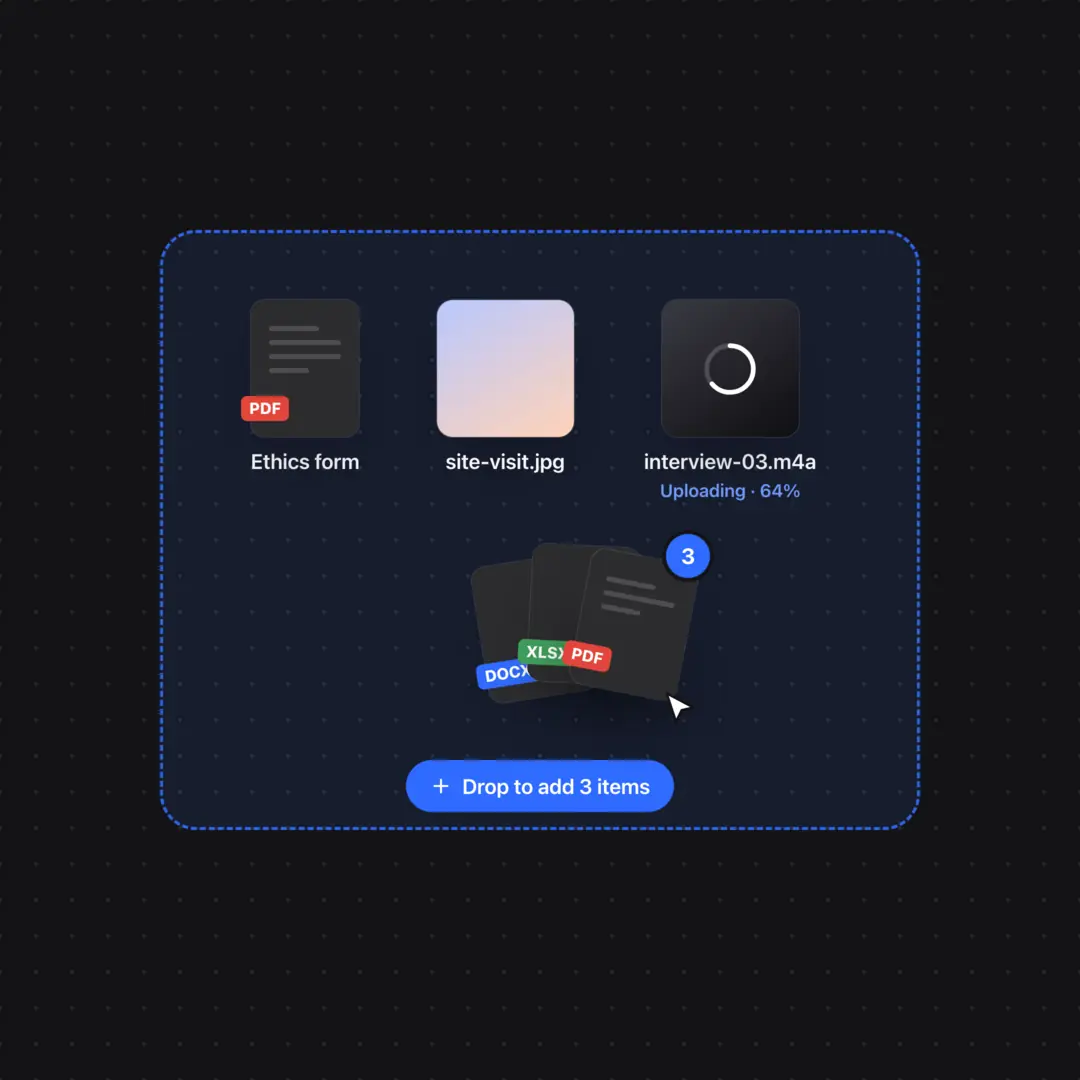
Open a spacePDFs, recordings, photos, links and notes land on one board. Drag them from your computer or paste from anywhere.
Pile things up, file them in folders, open a folder six ways. On a board, the layout is part of the thinking.
Search a space by meaning, not only by the words in it. ⌘K opens every command.
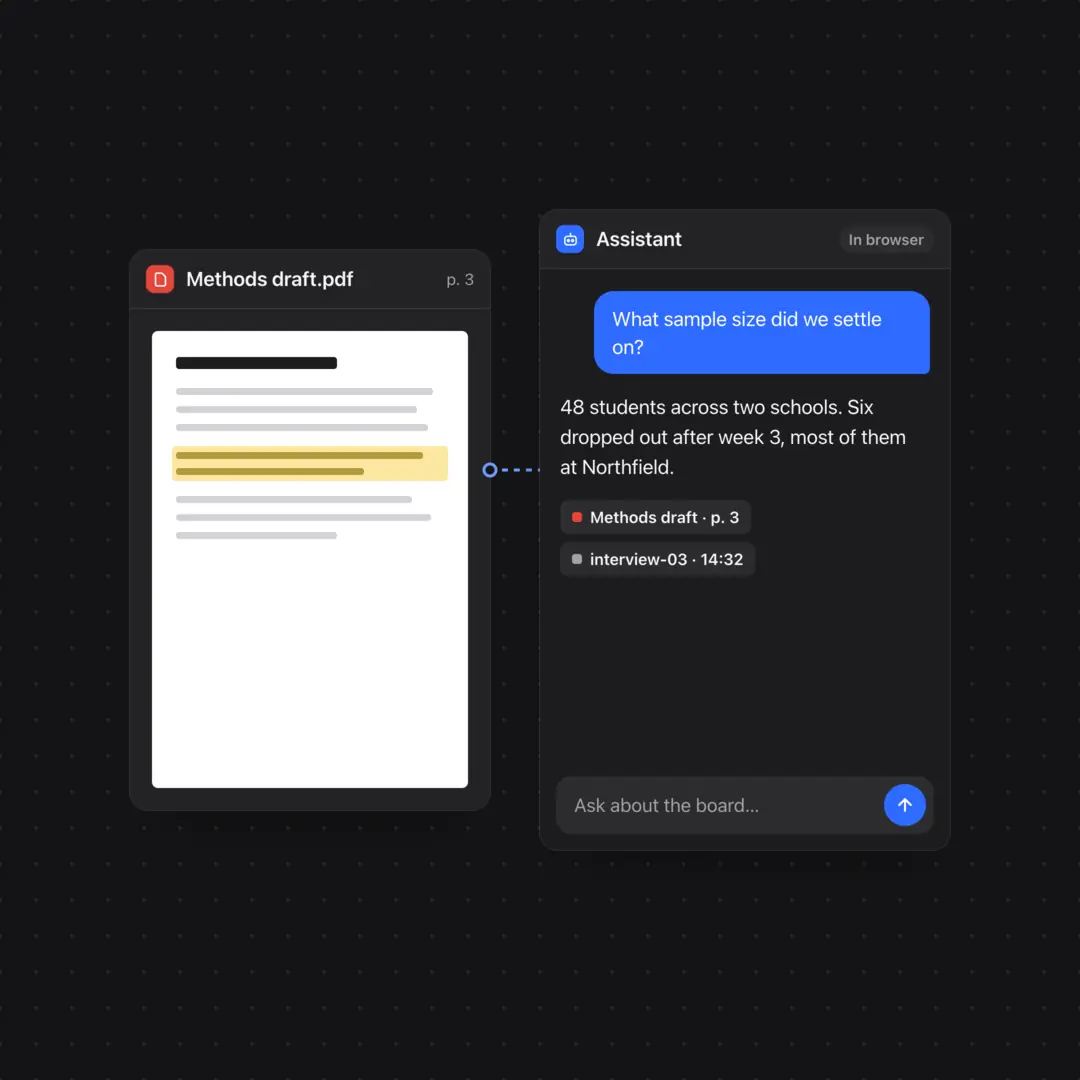
Put an assistant on the board next to the material. Run a model in the browser, or bring your own key.
Sync the space and share a link. Cursors arrive live, and documents merge edits instead of replacing them.
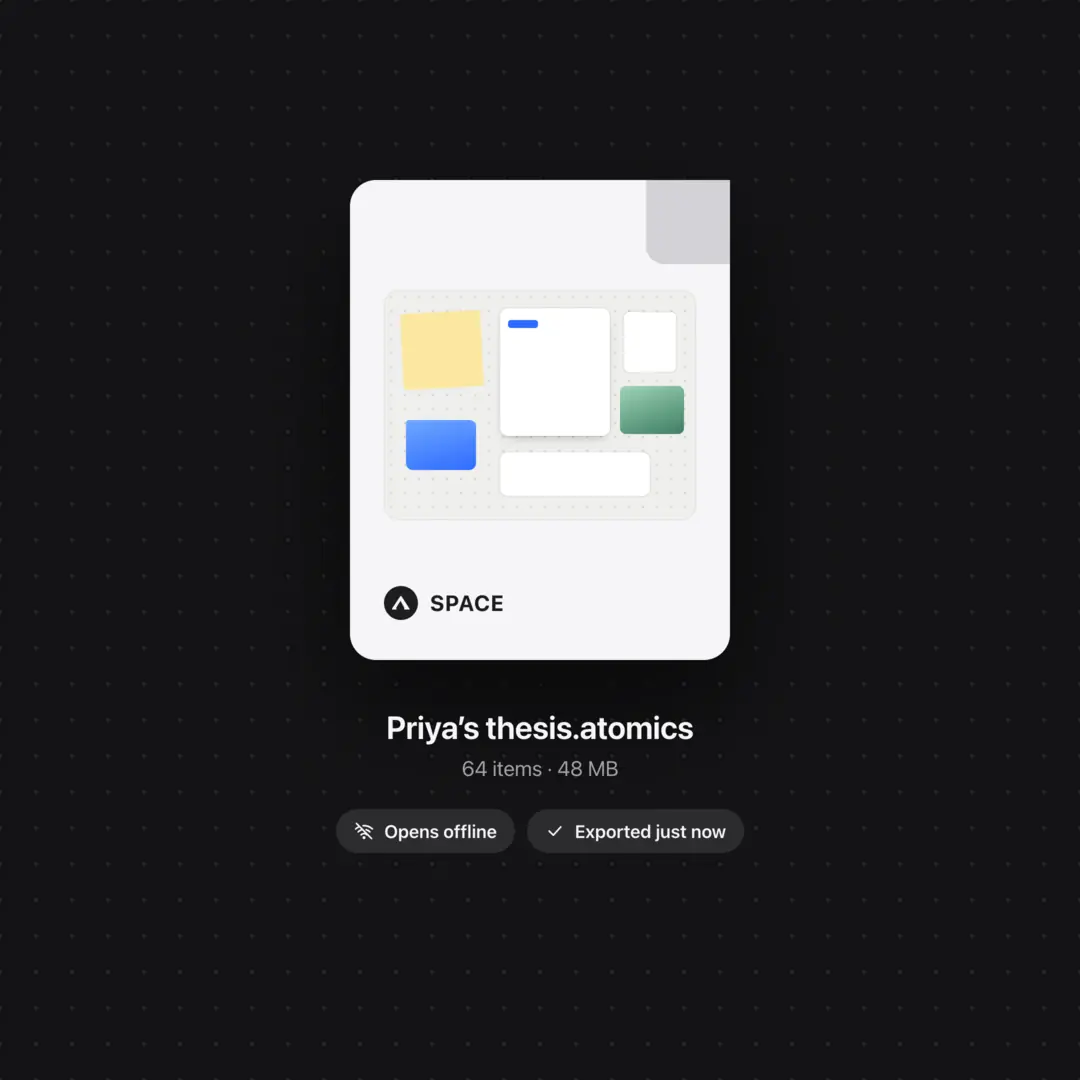
Export the whole space as one .space file, and open it again later, on this device or another.
Local or synced
Keep spaces on device or in the cloud.
The space lives in the browser, on device.
The space saves in the cloud and syncs across web browsers
Ownership and privacy
Pick an in-browser model and it runs on your device, so nothing you ask leaves it. We never use your content to train AI models.
Invite people to edit or only to watch, and turn link sharing off whenever you like.
Export any space as one file. Delete your account and your profile, sign-ins and synced spaces go with it.
Lock a card with a passphrase and it scrambles its contents.
See how locking worksSecure your account with your device’s fingerprint or face instead of a passphrase. There’s nothing to phish or reuse.
Local spaces need no account. Make one only when you want to sync or share.
Every kind of thing. PDFs, video, audio, notes, tables, links, images and assistants on one canvas.
Live cursors and presence. See who is here and where they are looking, in synced spaces.
No overwrites. Notes and documents merge edits instead of replacing them.
Assistant in the browser. Run a model on this device, or bring your own key.
Search by meaning. Finds things in a space by what they are about, not just their names.
Export everything. A whole space as one file, or a picture as PNG, SVG or PDF.
Share by link. People you send it to do not need an account to look.
Edit or watch. Invite people to edit a space, or only to watch it.
Clipart library. Pieces from the Marketplace, ready to drag onto the board.
Starter kits. Templates and tutorials arrive as a space with the job already laid out.
Your app library. Apps you get wait in your library, ready to add to a space. They are early previews for now.
Keyboard shortcuts. Single keys for frames, text, notes and connectors, and ⌘K for every command.
One desktop, set up for the work in front of you. From a class of thirty to a thesis nobody else may see.
Spread the literature, interviews and drafts across one board, then keep it as a single file.
Start from this template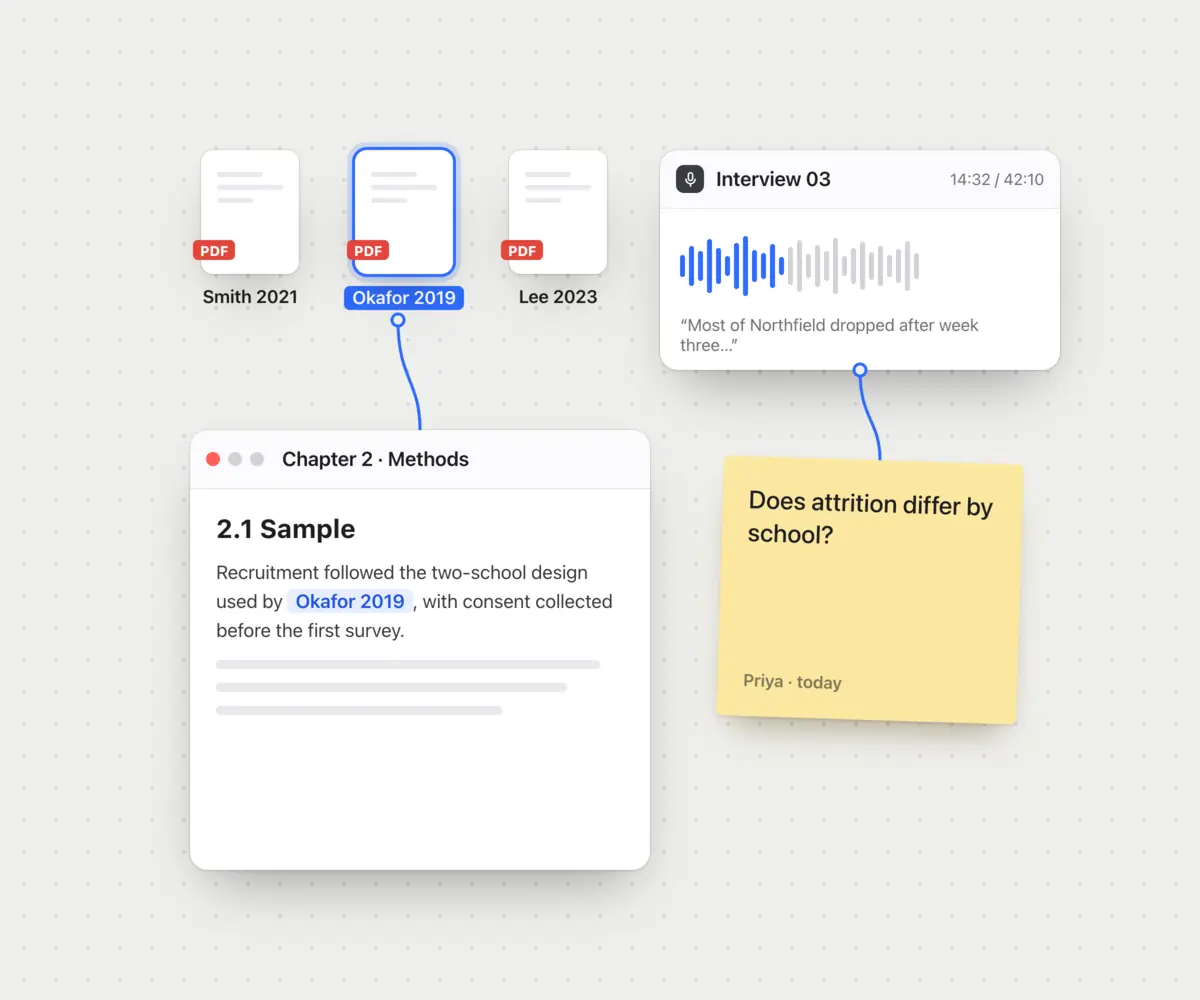
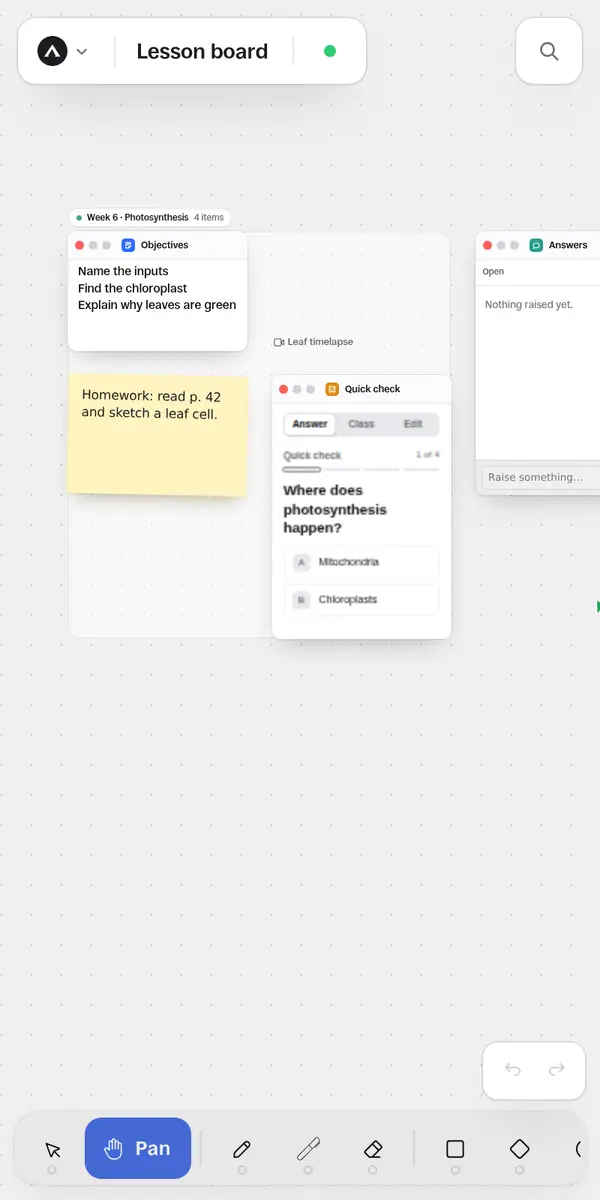
Build a lesson on one board and share it with the class by link. The copy kept on your own laptop works without the wifi.
Start from this template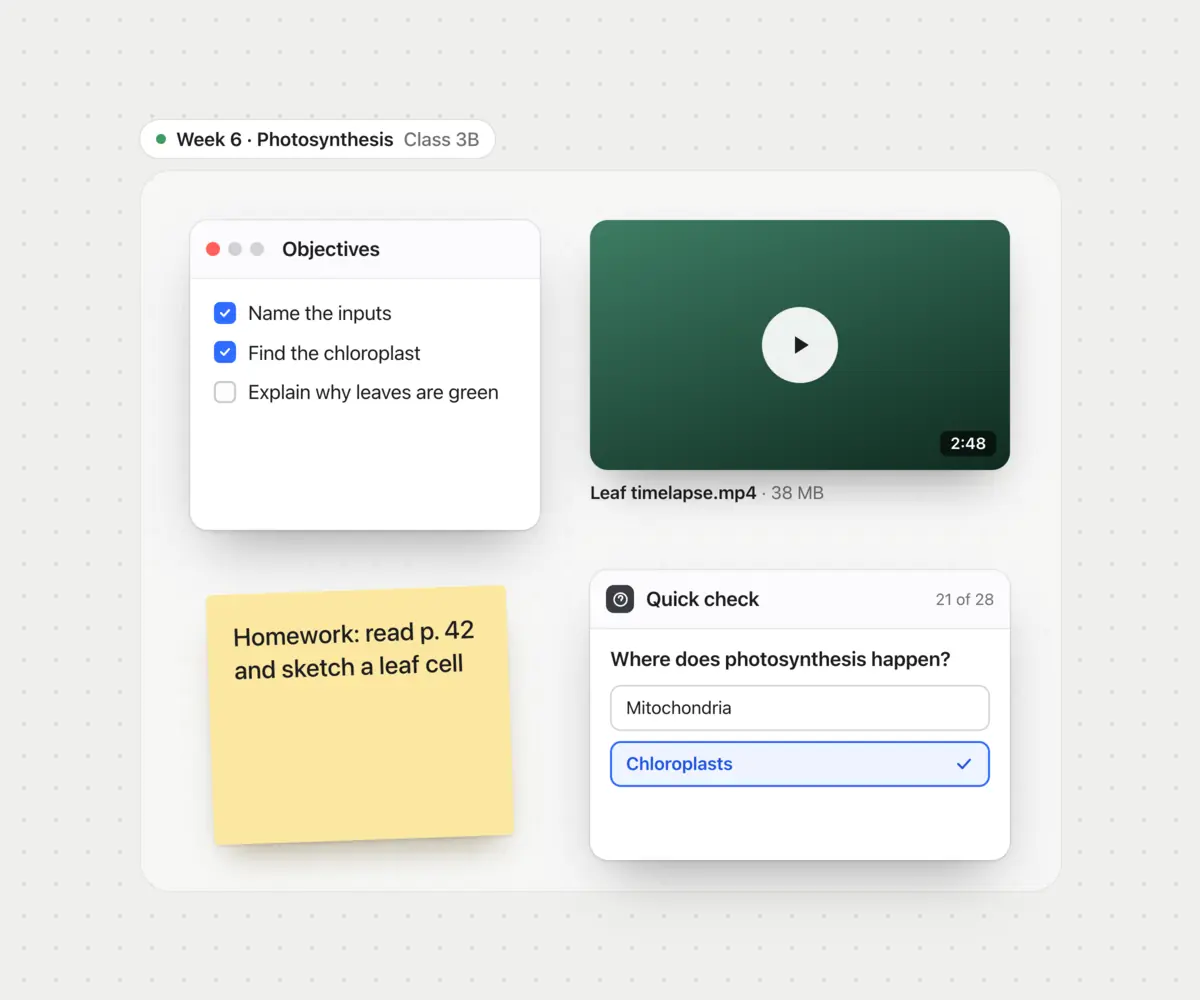
Cursors, presence and live edits in a synced space, priced per person rather than per seat.
Start from this template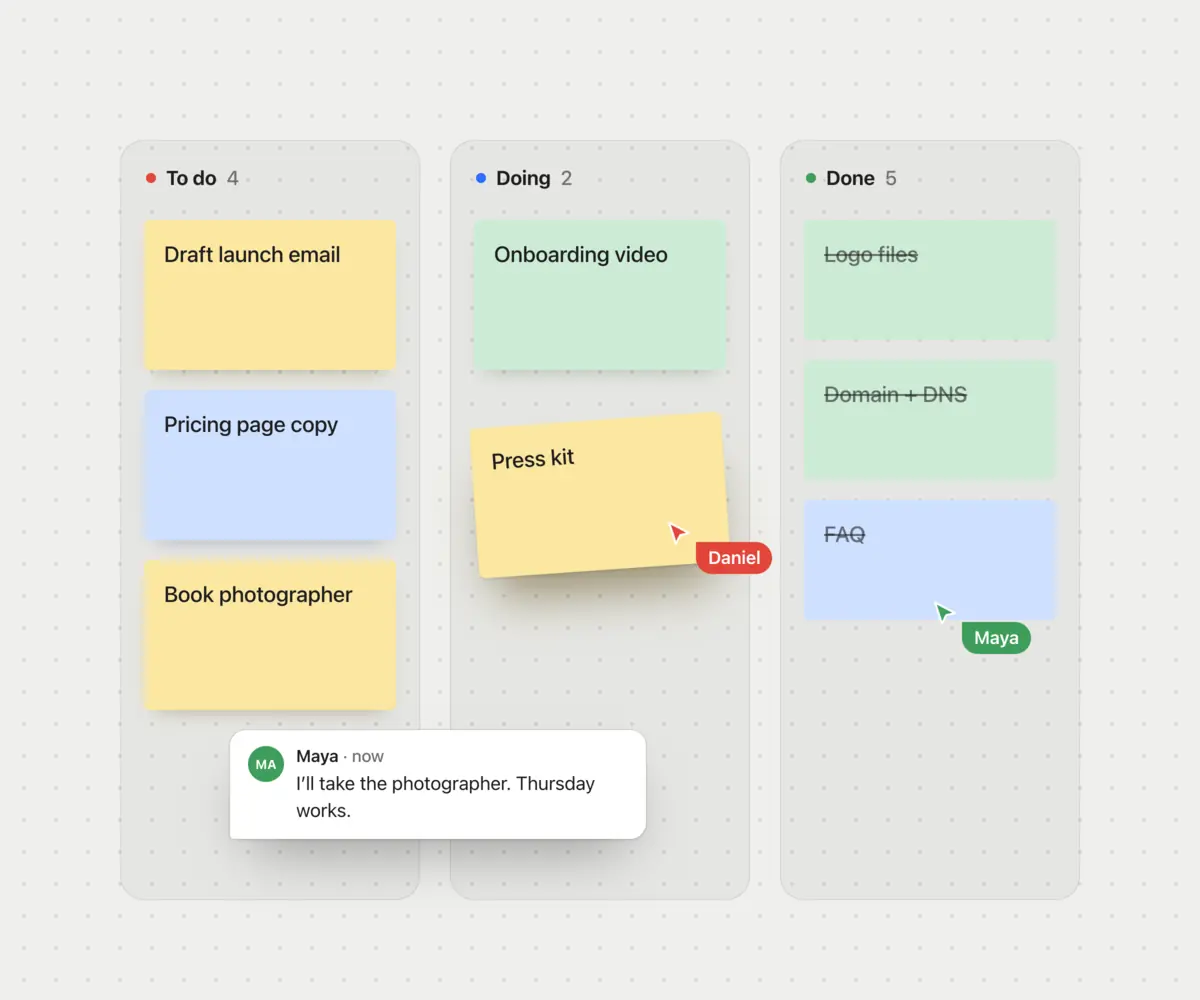
Client material in a local space is kept on that device, not on our servers. Pick in-browser models and the assistant sends nothing anywhere either.
Start from this template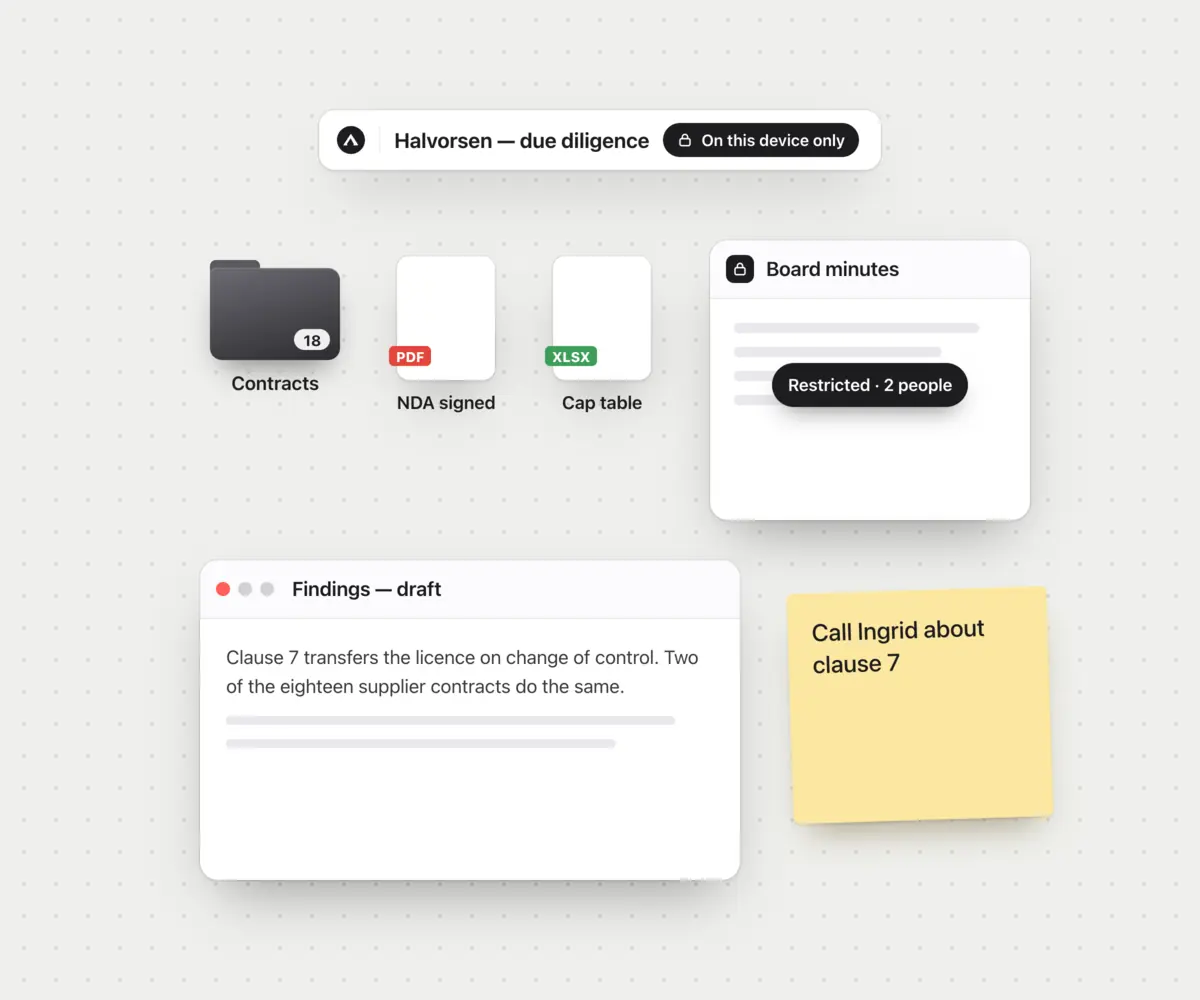
Quotes, photos, measurements and the plan on one board, shared with whoever is doing the work.
Start from this template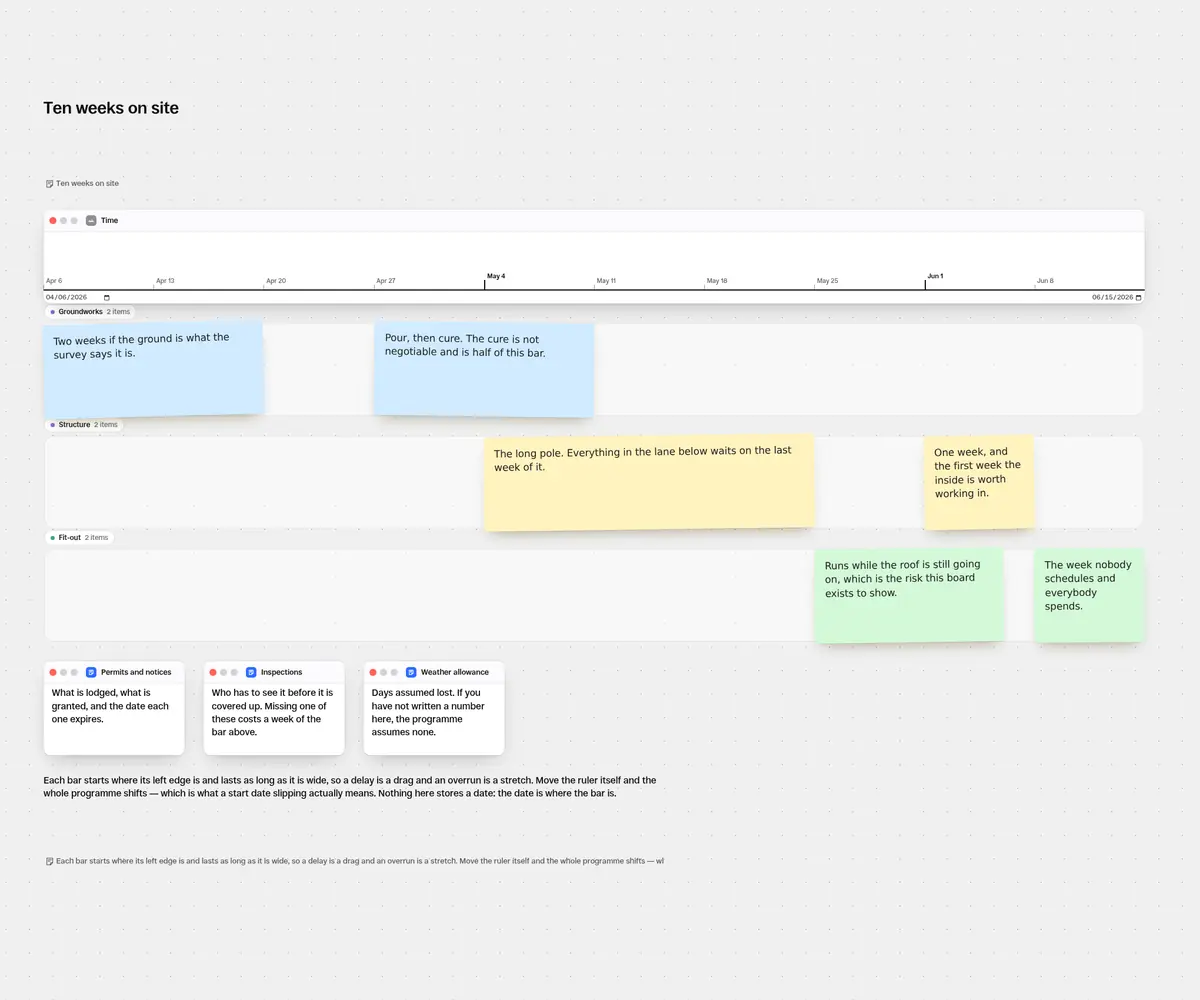
 Use the Thesis desk template
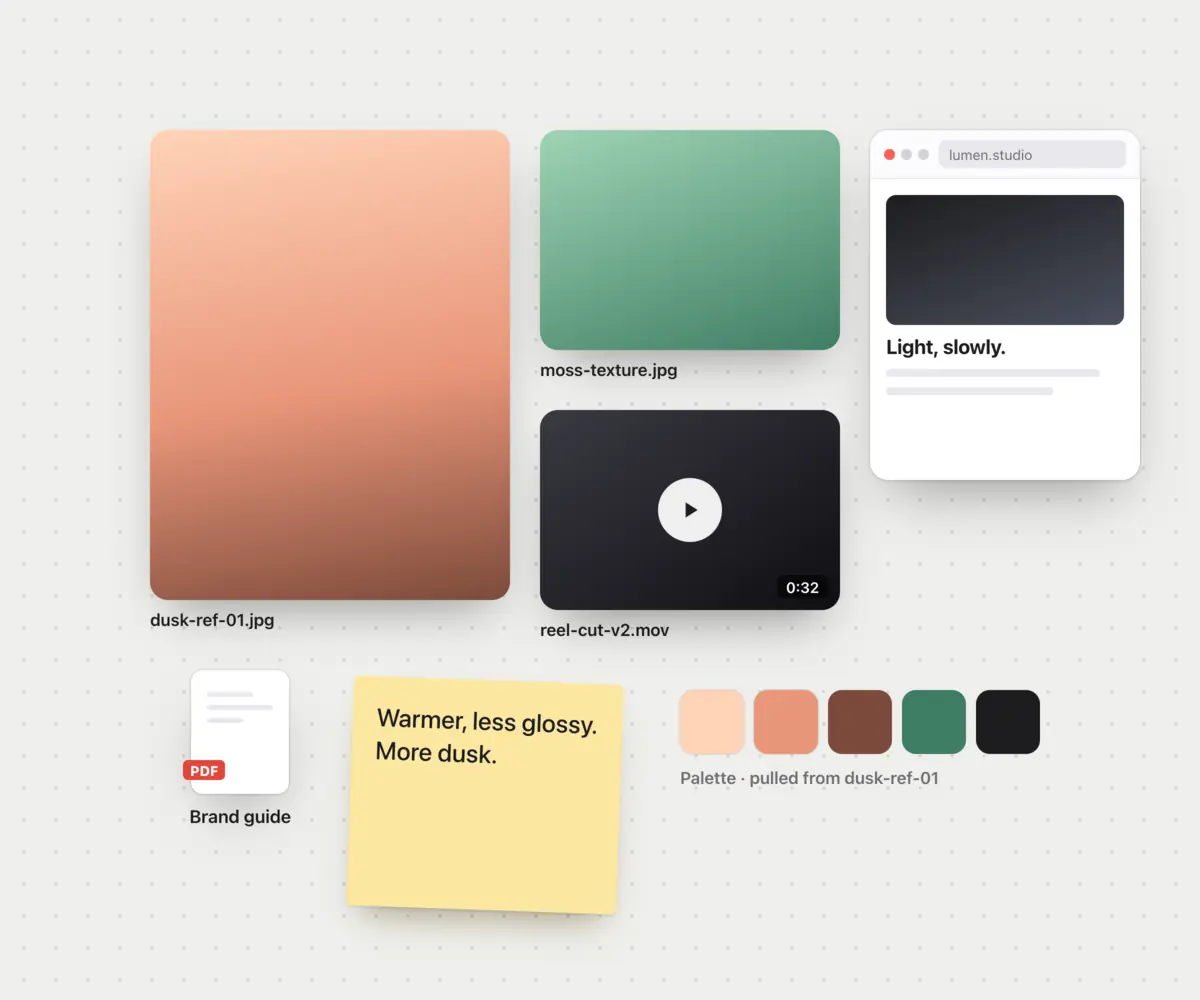
Use the Moodboard template
Use the Lesson board template
Use the Product launch template
Use the Due diligence template
Use the Site schedule template
Use the Thesis desk template
Use the Moodboard template
Use the Lesson board template
Use the Product launch template
Use the Due diligence template
Use the Site schedule template
Marketplace and Apps
Search starter kits, apps, and clipart ready now. Add them in your library, and add them to any space. Visit the studio to create and sell your own.
The Marketplace. Apps, starter kits and clipart in one place. The apps are sample listings for now, and say so.
Visit the MarketplaceYour library. What you get lands in your library first. In a space, open it from the main menu.
Apps in a space. Add an app to a space and it sits in the space’s dock, for everyone in it. For now they open a preview.
Clipart, in one library. Packs from the Marketplace, ready to drag onto any board from the Clipart library in its main menu.
See the clipartStarter kits. A board someone already set up. Pick one, keep it on this device or synced, and make it yours.
Browse starter kitsPricing
Free for everything kept on your own devices, with room to try syncing. Pay when you need more synced space or more people in it.
$0 for as long as you like
$9 a month, or $60 a year
Need more? Create a Premium plan starting at $49 a month.
Compare the plansQuestions
An infinite canvas you open in a browser tab. Drag in files, notes, images, video, PDFs, links and arrange them for presentation, visual thinking, or processing. The application runs in a tab, keeps working when the connection is offline.
Yes, for spaces kept on the device. Install it as an app and the browser runs the same application the server does. Creating, uploading, and editing keep working with the connection off. Even assistants can run in the browser, on-device and offline.
A local space is stored on your device. There’s no limit on how many you keep or how large they get. A synced space is stored in the cloud and opens across your other devices. Synced spaces can be shared, and let others work in them with you in real time. You decide per space.
Yes. Any space can be exported as a portable file, image, or PDF. Individual content can also be redownloaded. Spaces can also be re-imported.
Only if you pick a hosted model, and then only what it reads, to the provider behind that model. The model list includes ones that run in your browser, and with those selected nothing you are asking about leaves the machine you are asking from.
Local spaces do not require an account.